
VISITOR MANAGEMENT FOR OFFICE AND MULTI-TENANT BUILDINGS
Start the visitor entry process before they reach the lobby.
IntelliLobby brings tenant invitations, visitor pre-registration, kiosk check-in, security verification, notifications and reporting into one workflow.
Active office-building installation in Maslak.
TÜMSAŞ brings hardware, software, installation and support together in one solution.
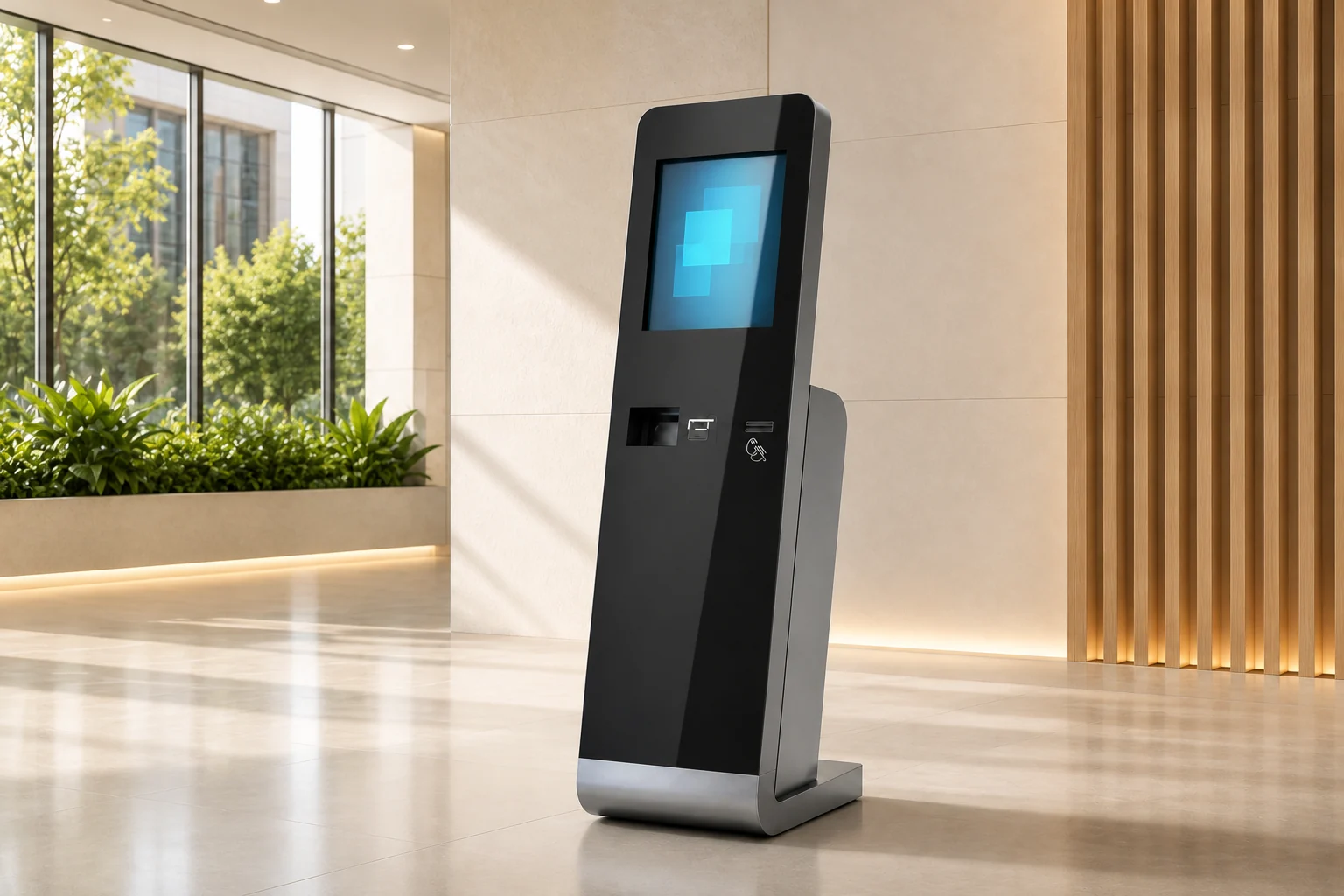
Illustrative screen previews
SUCCESS STORY

At Sun Plaza, Transformation Began at the Door
The value you place on a person’s time is reflected in how you welcome them.
Read the Success StoryWithin approximately two months of installation, the system’s adoption rate reached 63%.
Our operations are faster, and our tenants’ visitors have become accustomed to the process.
Current situation
Three breakdown points in lobby operations
Today
Scattered invitation communication
With IntelliLobby
Company-controlled digital invitation
Today
Manual sign-in at the lobby
With IntelliLobby
Information the visitor completes in advance
Today
Fragmented tracking
With IntelliLobby
Visible flow across plaza and company dashboards
How it works
One visitor journey in four steps
From invitation to security verification, every step progresses on the same record.
Explore the 360° product view
Company dashboard · Invitation created
Platform
One system, five role-based workspaces
IntelliLobby's plaza and tenant management screens, shown with anonymised representative data.
Plaza dashboard
Illustrative screen · sample dataToday's visits
48
Active day
Active invitations
17
Pending approval
04
Tenant companies
12
Weekly visit traffic
Last 7 daysRecent activity
Live- Visitor 01Check-in
- Visitor 02Invitation approved
- Visitor 03Entry completed
- Visitor 04Identity verified
Track plaza-wide invitations, approvals and weekly visit traffic from a single view.
Anonymised illustrative data.Role-based workspaces
User roles separate administrators who can log in and create invitations from staff who can only be selected as the “host”.
Product brochure
Review IntelliLobby on a single page.
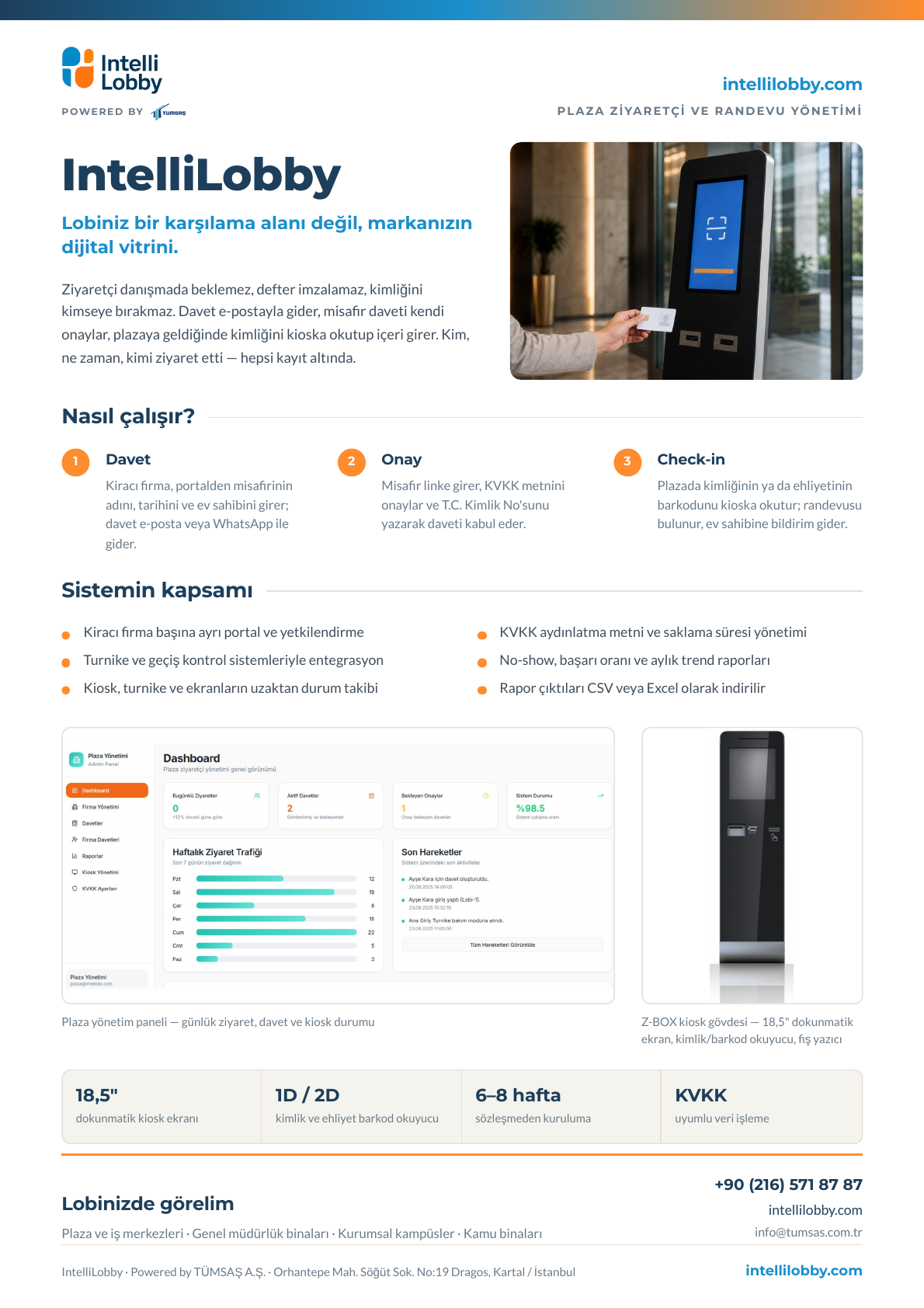
See the invitation, visitor consent, kiosk check-in, management dashboard and reporting flow together in our short product brochure.
PDF · 1 page · 579 KB
Currently available in Turkish.
Plaza visitor flow · Kiosk · Management dashboard · Reporting
Who it's for
A clearer operation for every stakeholder
Building management tracks the tenant structure and visit operation from a single management view, filtering daily activity into an operational report.
- 01
Manage the tenant structure
Define tenant companies, authorised users and company staff; organise access roles to match the existing organisation.
- 02
Monitor the visit flow
Track the status of created invitations and completed entry steps visibly across the plaza.
- 03
Get the report you need
Filter records by date range; export operational lists as Excel or PDF.
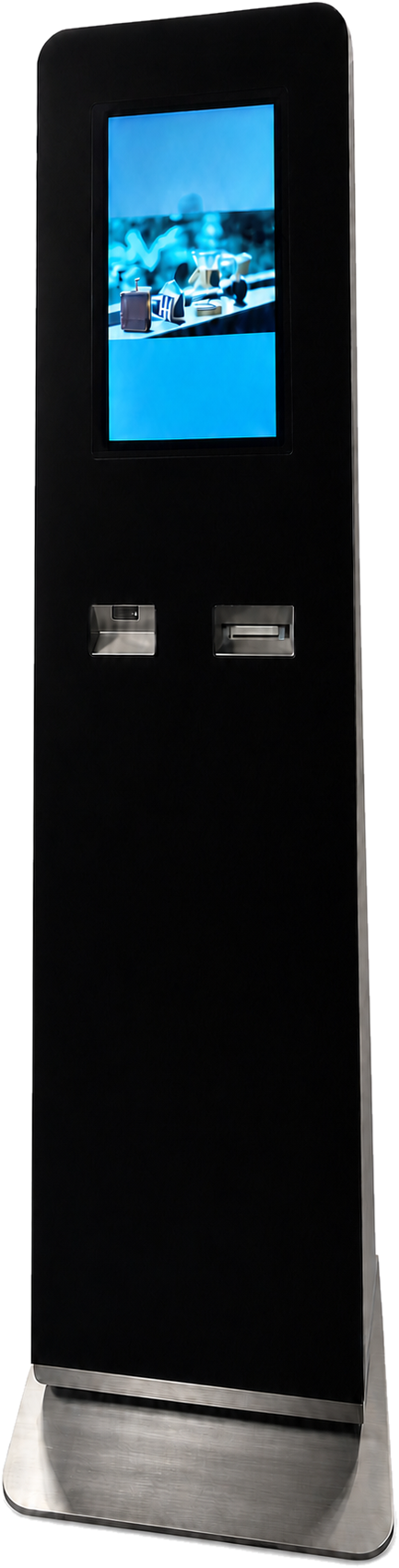
Hardware and implementation
A field-ready kiosk with a defined implementation journey
18.5-inch touchscreen
A self-service interface suited to lobby use.
1D/2D barcode and QR reader
Supports check-in via ID or QR.
Mini-PC infrastructure
The built-in hardware running the kiosk software.
- 01
Discovery
- 02
Scope
- 03
Setup / Pilot
- 04
Live use
Suitability for integration with turnstiles, building management software or other systems is assessed together during the discovery phase; no compatibility commitment applies to every building.
Use in the lobby
The physical touchpoint of the digital workflow.
The kiosk carries the visitor journey, which starts with invitation and pre-registration, into a visible, guided entry step in the lobby.
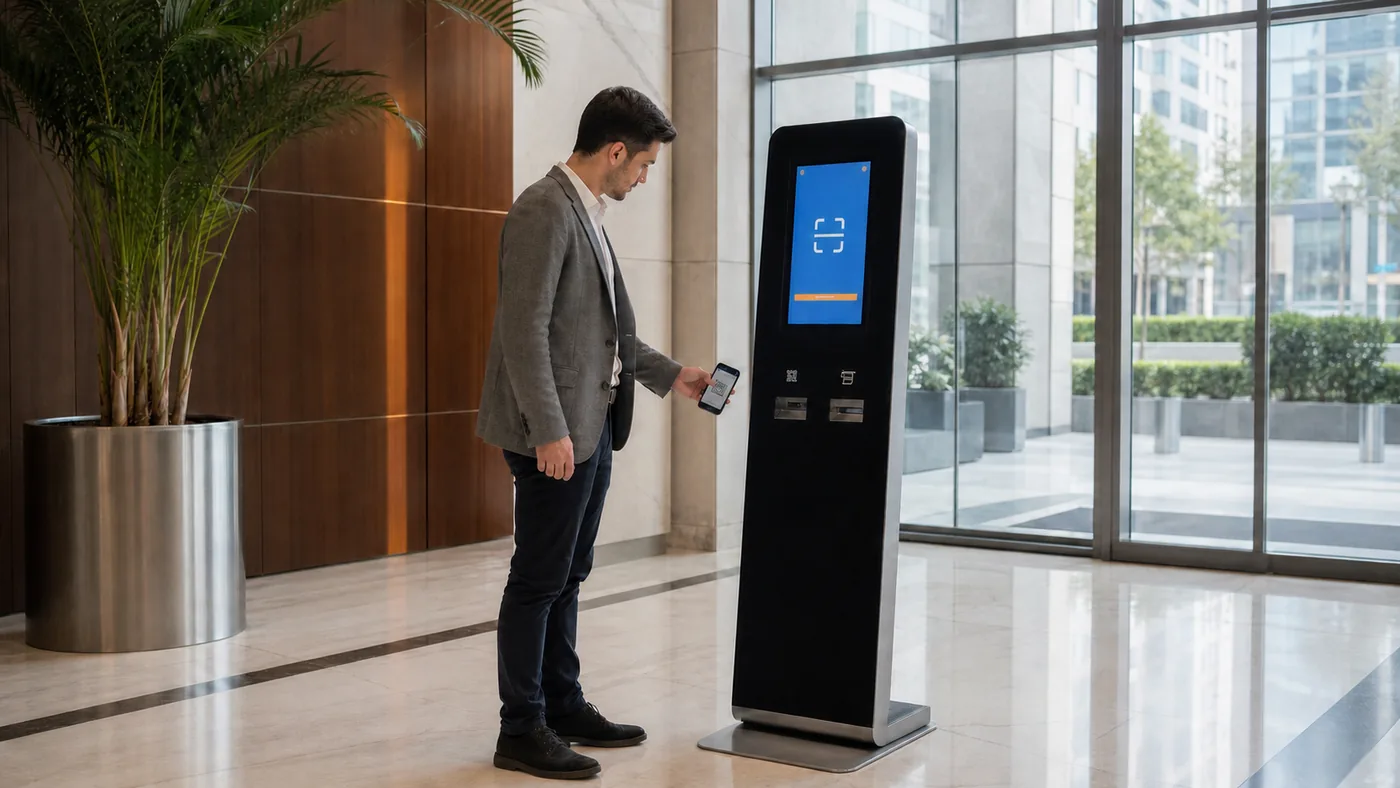
Self-service check-in
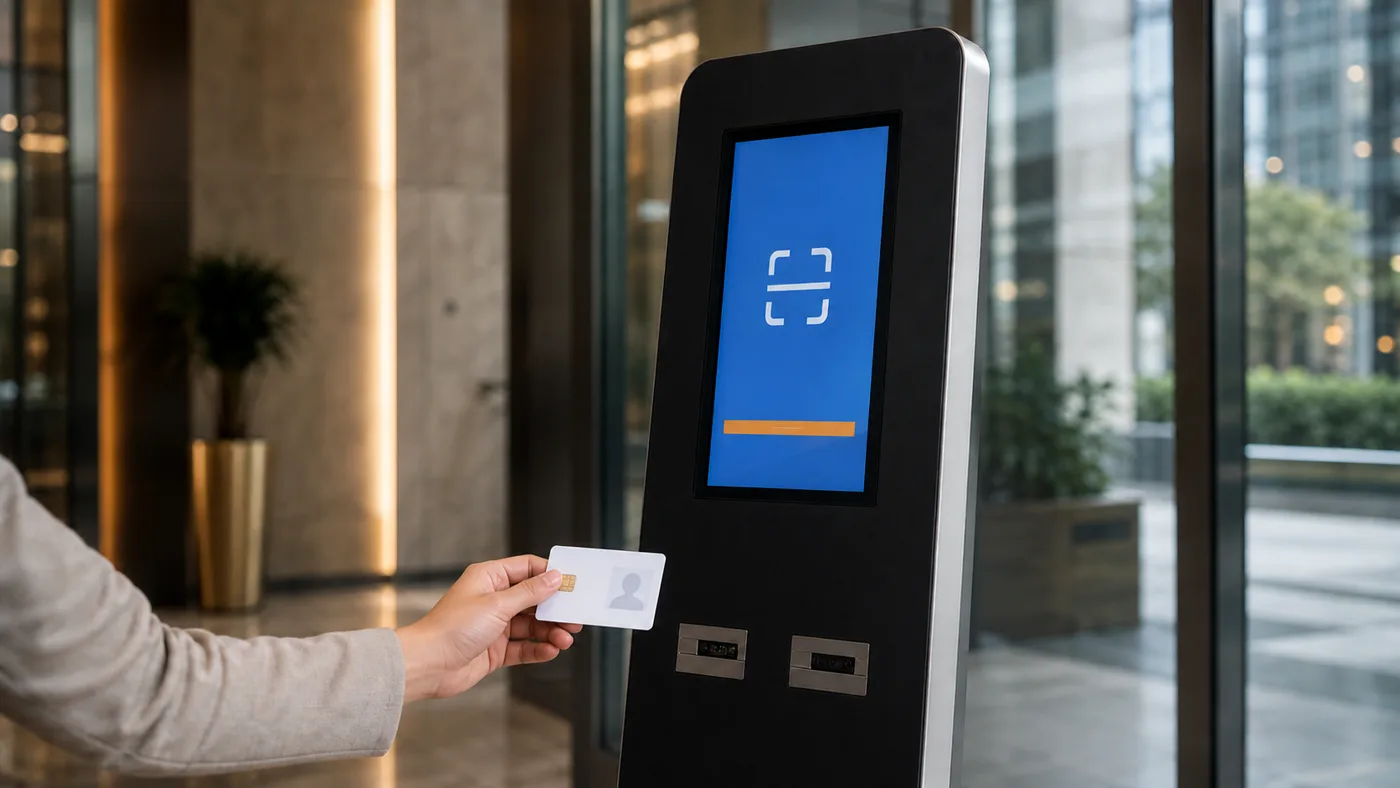
Check-in with ID
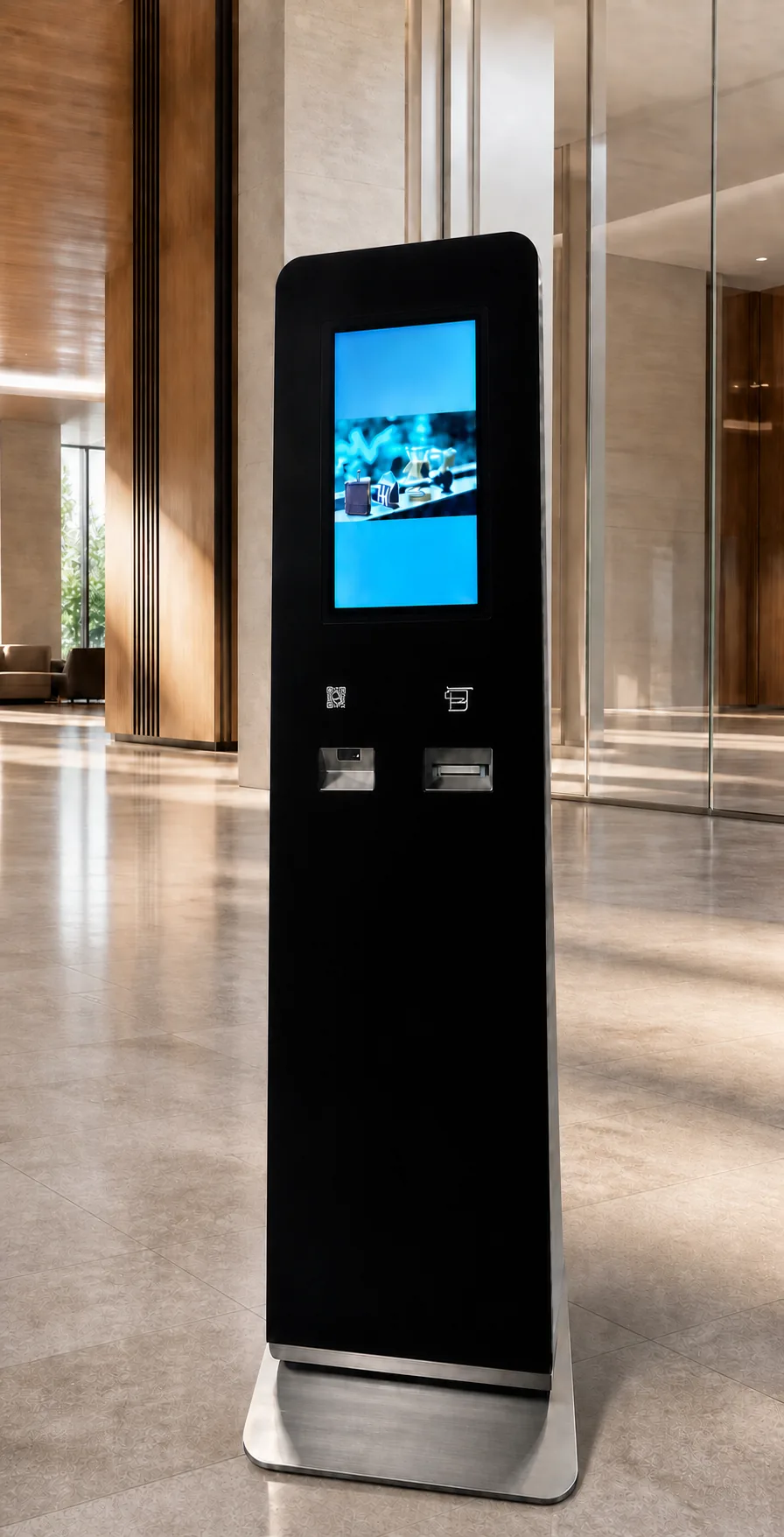
Placement in the lobby
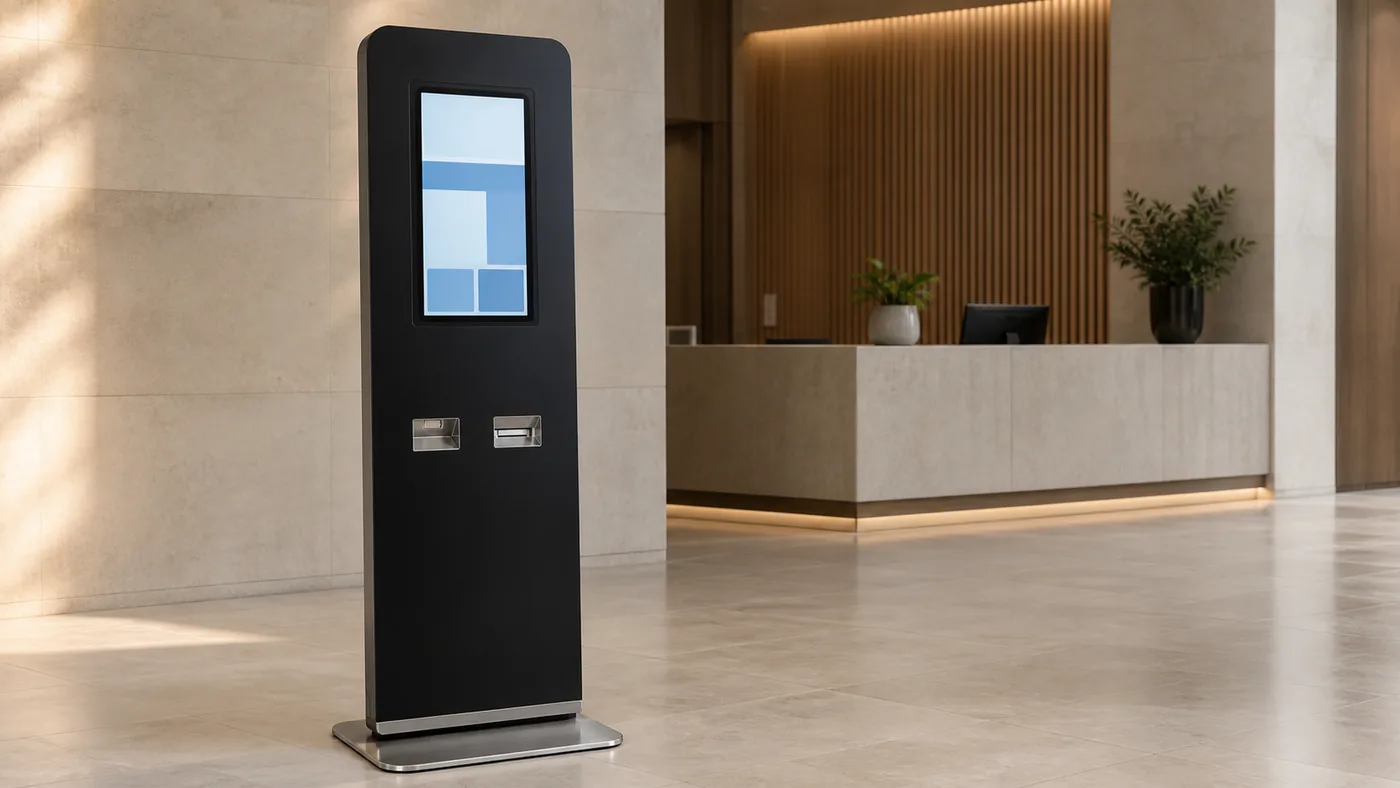
Near the reception desk
The placement scenes in this section are representative usage images; the on-site layout is determined during the discovery phase.
Security and compliance
Operational confidence, without overstated claims
A digital record and consent flow that can be configured with Turkey's Personal Data Protection Law (KVKK) processes in mind.
Role-based dashboards
Administrator and staff roles define who can log in and who can create invitations.
Digital visitor consent flow
The visitor completes information and consent steps digitally before the visit.
Plaza-specific configuration
Tenant companies, users and flow steps are defined to match the plaza's needs.
Exportable operational reports
Date-filtered records can be exported as Excel or PDF.
Data retention and KVKK responsibilities
Retention periods and the division of responsibility are defined together with the customer during implementation.
We do not make commitments regarding certification, hosting location or audit records; we share these topics as they currently stand during the discovery call.
FAQ
Frequently asked questions
Which buildings is it suitable for?
It is designed for multi-tenant plazas, office buildings and corporate campuses with regular visitor traffic. We assess suitability for your building together during the discovery call.
Does it work with an existing turnstile system?
Integration needs with turnstiles and other building systems are reviewed on a project basis. We clarify what is possible once we've seen your existing hardware and software inventory.
How do tenant companies use the system?
The company's authorised users create, update, resend or cancel invitations from their own dashboard, and track the daily schedule and invitation statuses.
How is the kiosk installed?
The lobby layout and power/network requirements are determined during discovery; installation and commissioning are carried out by TÜMSAŞ. The flow is reviewed together during the pilot period.
How is KVKK and data retention handled?
Visitor information and consent steps are carried out digitally. Retention periods, data controller–processor roles and wording are defined together with your organisation's legal/compliance team during implementation.
Can a pilot be run?
Yes, it's possible to start with a limited-scope pilot. The pilot's scope, duration and success criteria are defined together after the discovery call.
20-minute lobby assessment
Let’s map your property's current visitor-entry workflow.
In a 20-minute call we'll map your invitation, reception, kiosk and security steps. Afterwards, we'll share scoping questions and a proposed workflow.
- E-mail:
- info@tumsas.com.tr
- Web:
- tumsas.com.tr